Your entire video production studio. One dashboard. Zero busywork.
A storytelling-first AI video platform built for creators who think like filmmakers and storytellers - not prompt engineers.
Making a video shouldn't feel like a second job.
AI video creators often spend more time building out workflows and worrying about all their prompts and reference files - than they do actually making their story and vision come to life on a creative level.
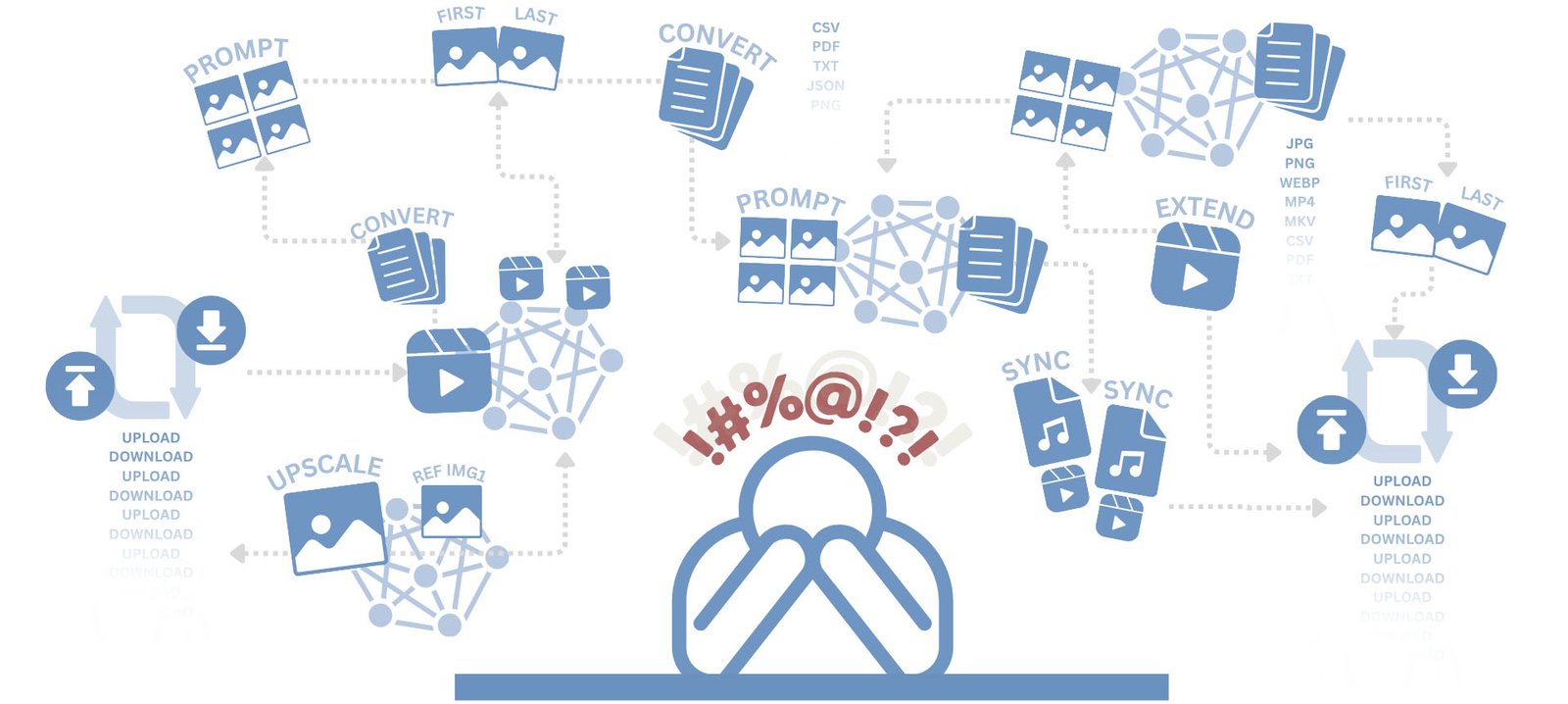
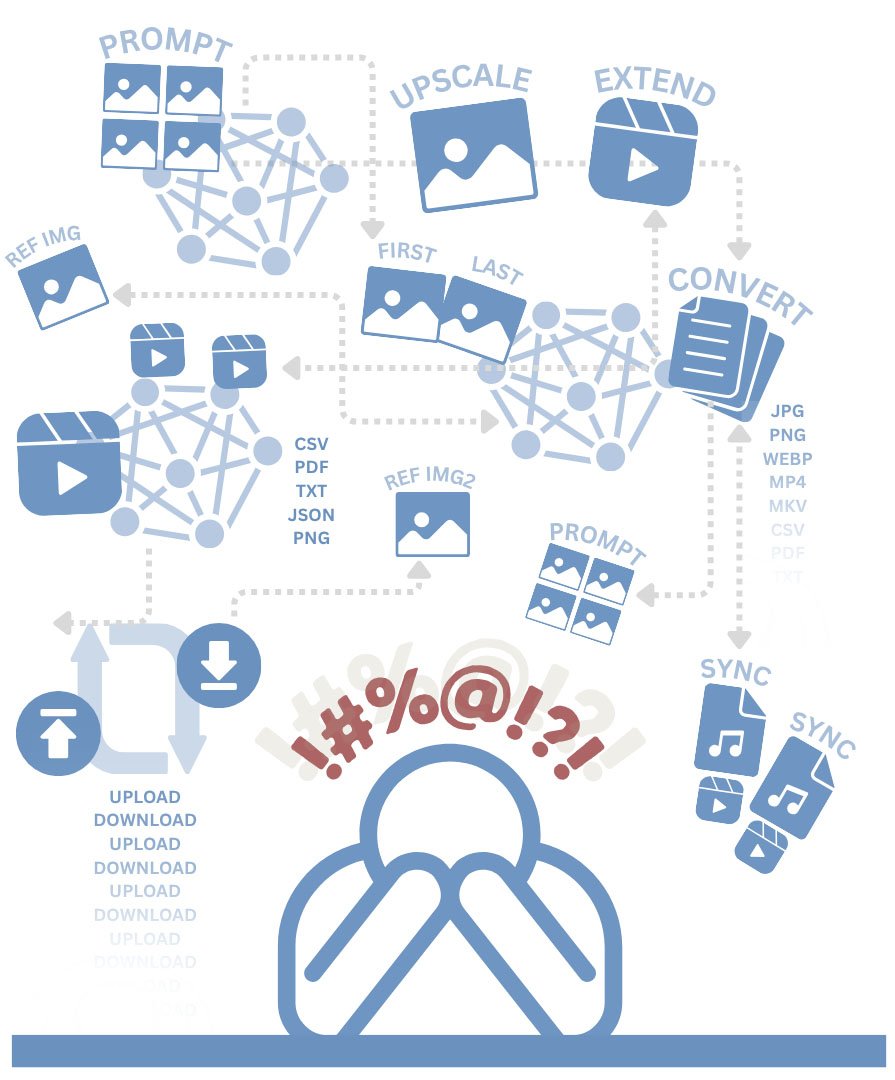
You know the workflow. The grind. The endless busywork: Generate images in one tool.. Upscale in another.. Figuring out which AI model to use for what type of clip.. Trial and error dealing with model limitations or random censorship.. Wire them through a node graph that looks like a conspiracy board. Export. Import. Stitch. Pray.


Introducing
PyxelJam Studio
An idea-to-film production platform - built for people who care about the story between the shots - by someone who got sick of the grind.
Because filmmaking is not a spaghetti of disconnected tools. It's a pipeline. And now you have one.
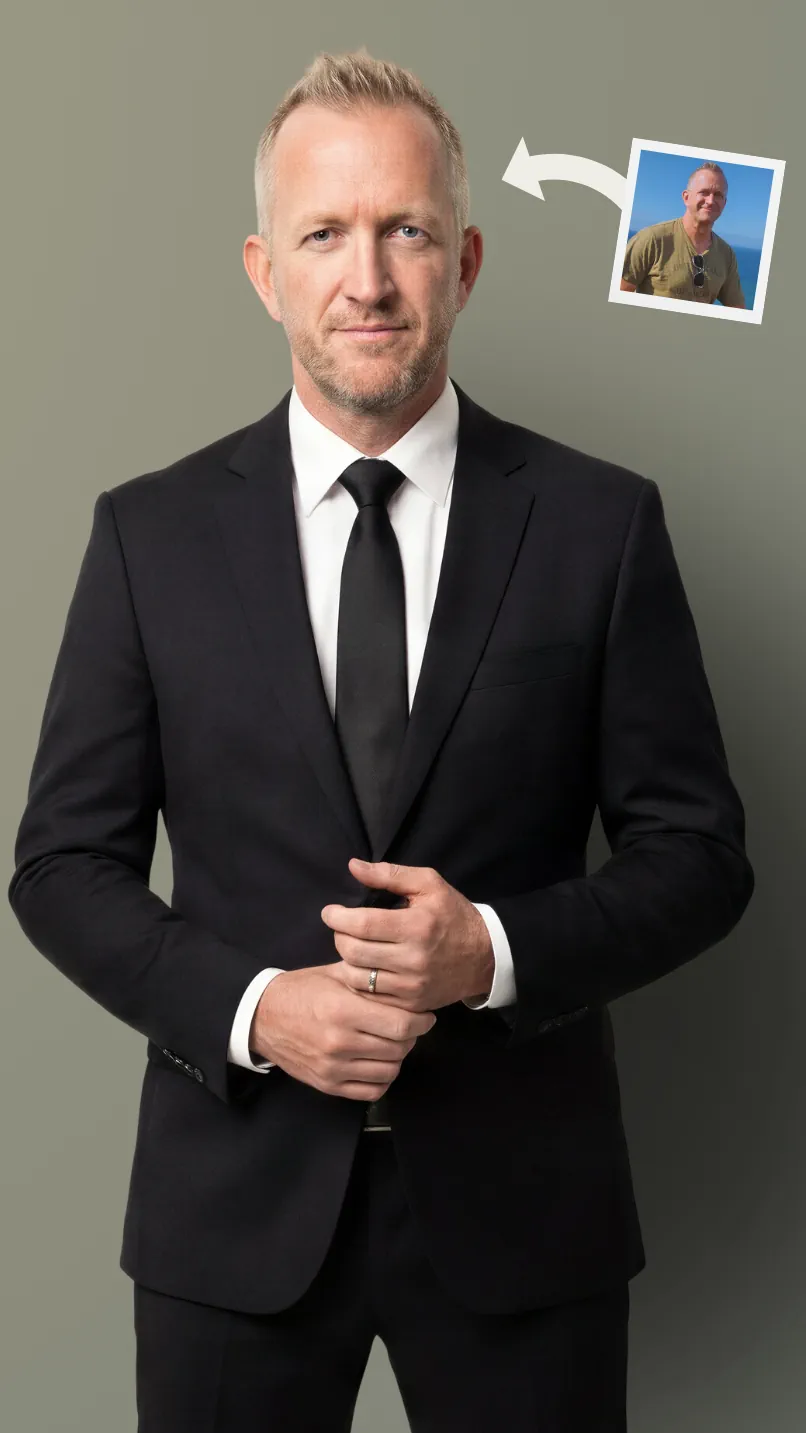
CONSISTENCY
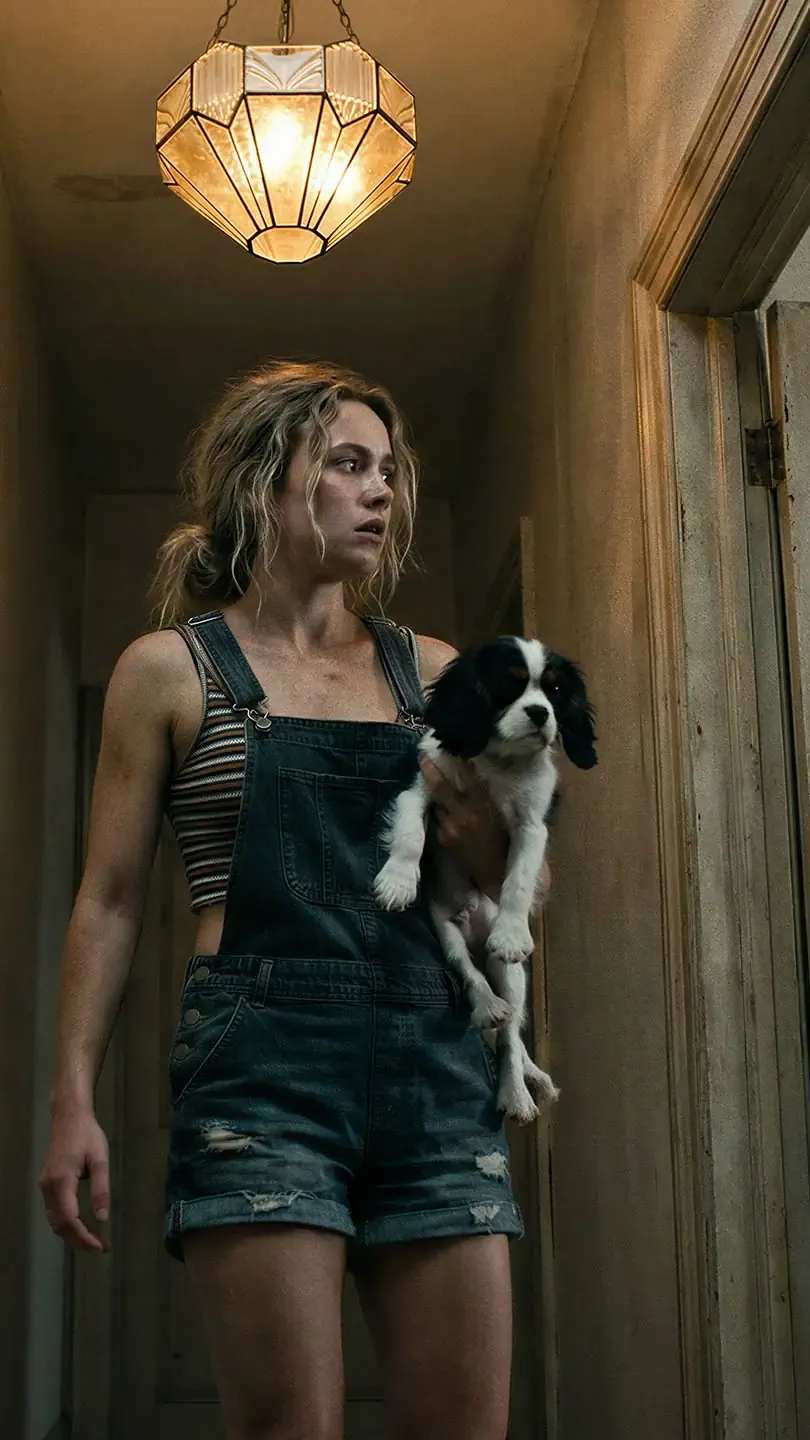
OWN SHOW
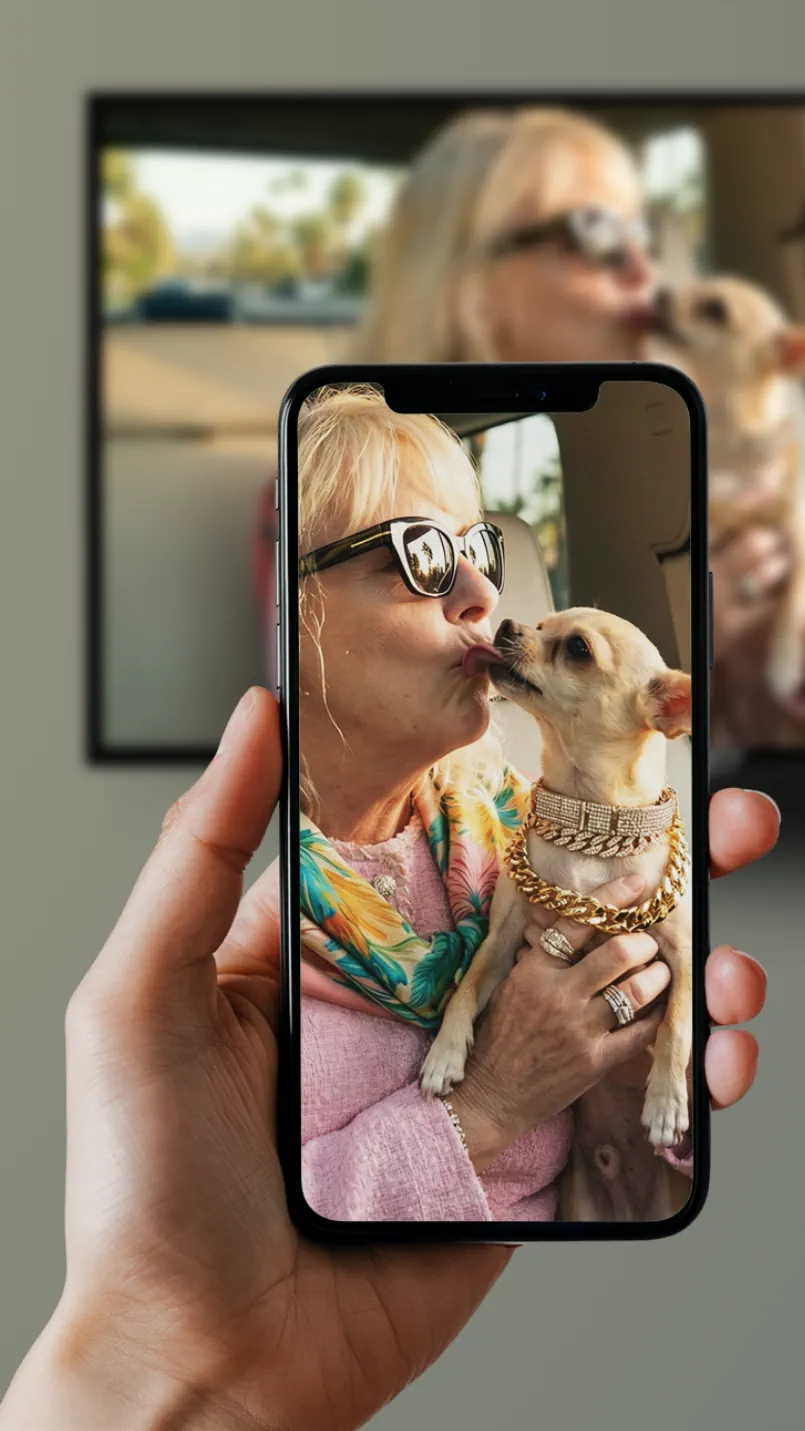
ANY LANGUAGE

HUMAN CRAFTED

DIRECTOR DNA
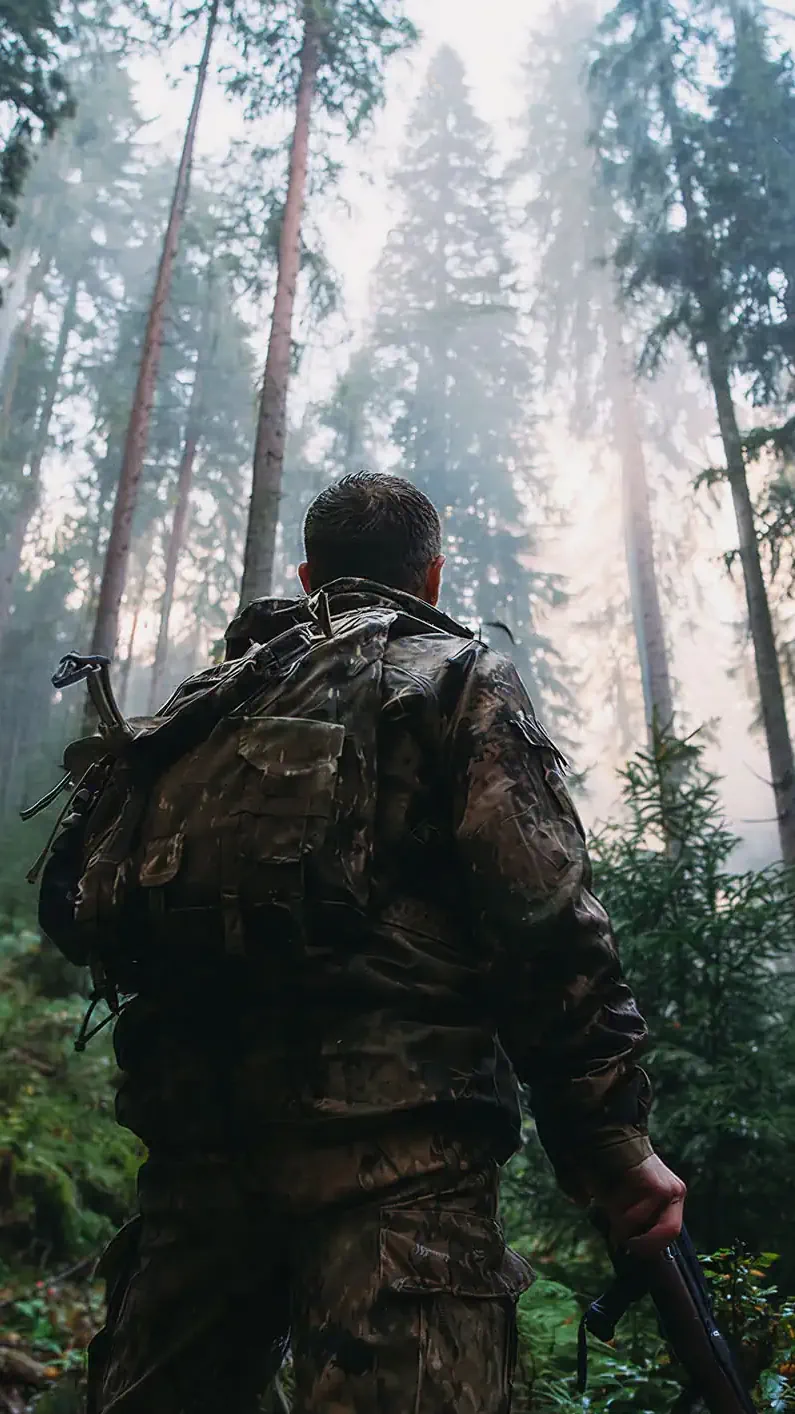
FINISHED VIDEO
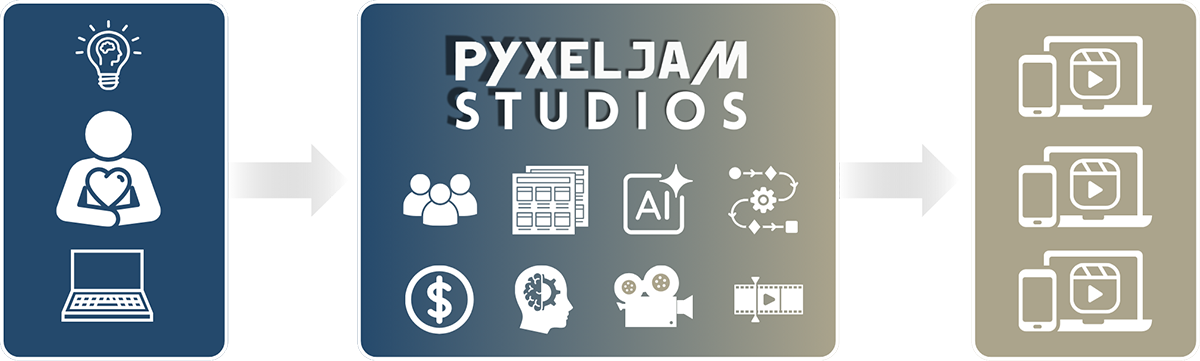
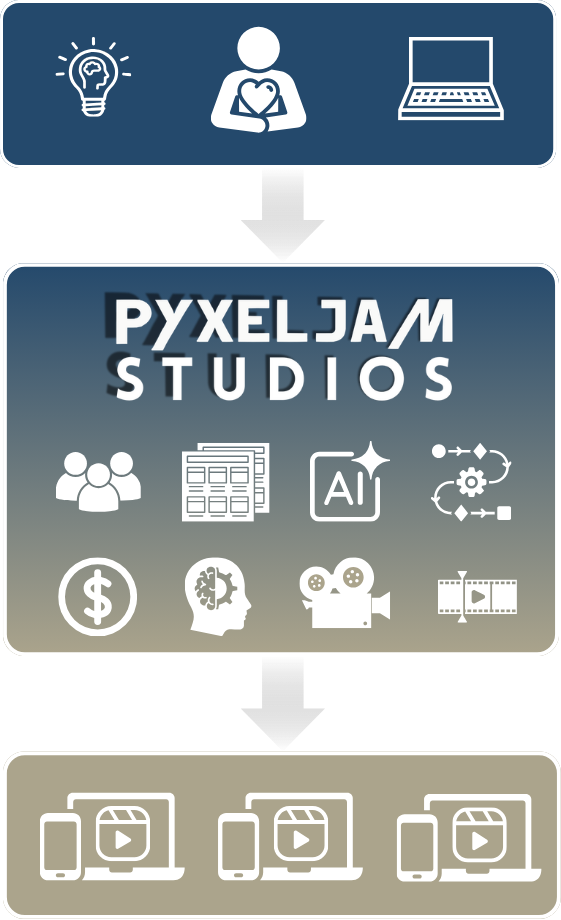
The entire journey from idea to finished film, managed in one place -
not scattered across a dozen tools connected by wasted time and creativity burnout.

NO MORE
Tool Overload

NO MORE
Manual Grind

NO MORE
Lost Creativity

A True End-to-End, Idea to Film Pipeline with
Agentic AI Video Automation
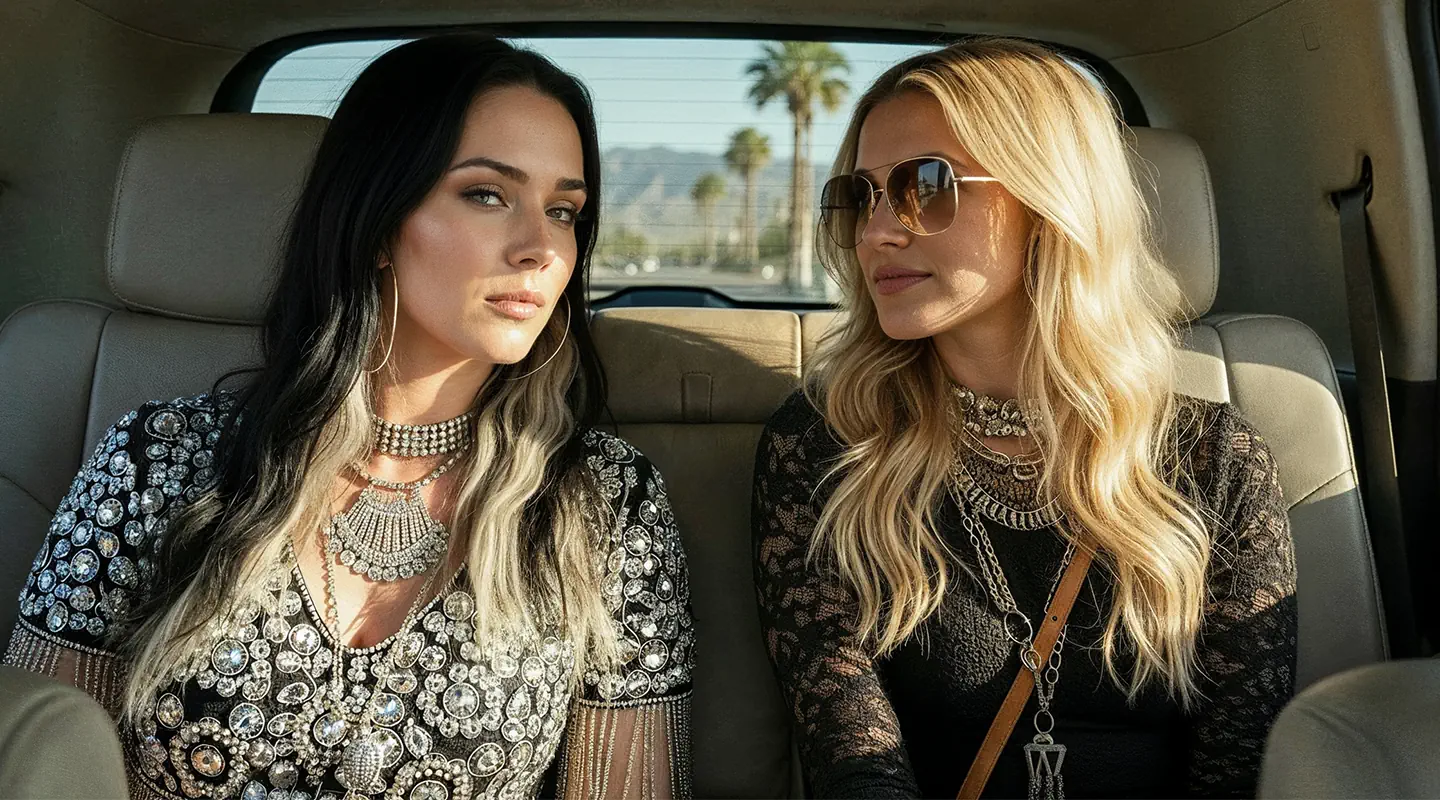
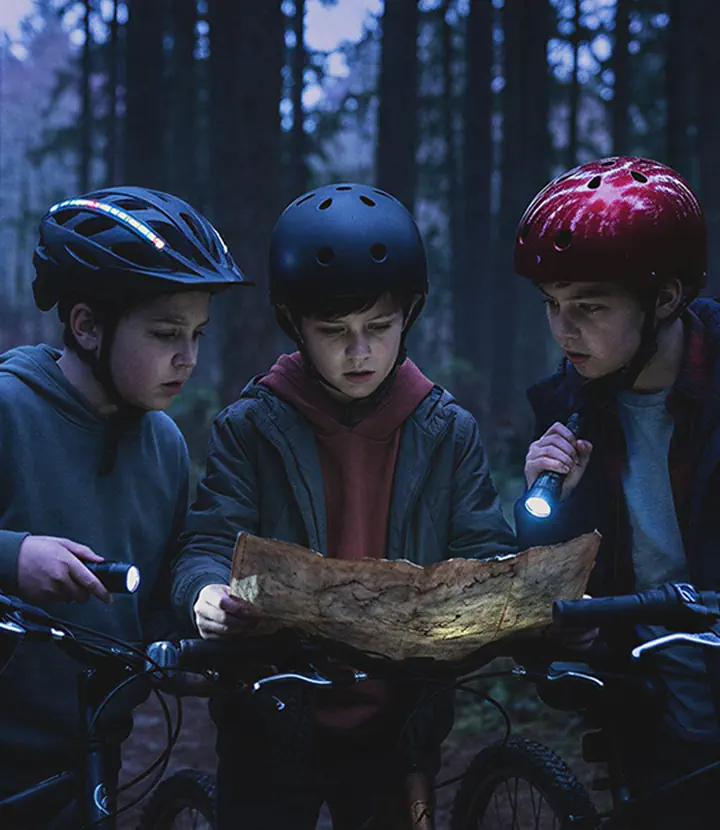
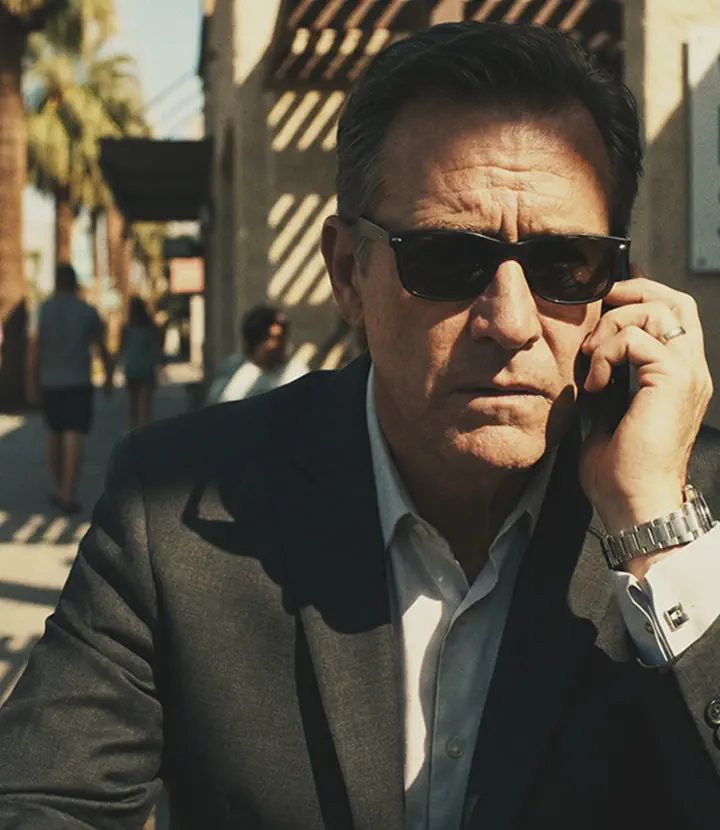
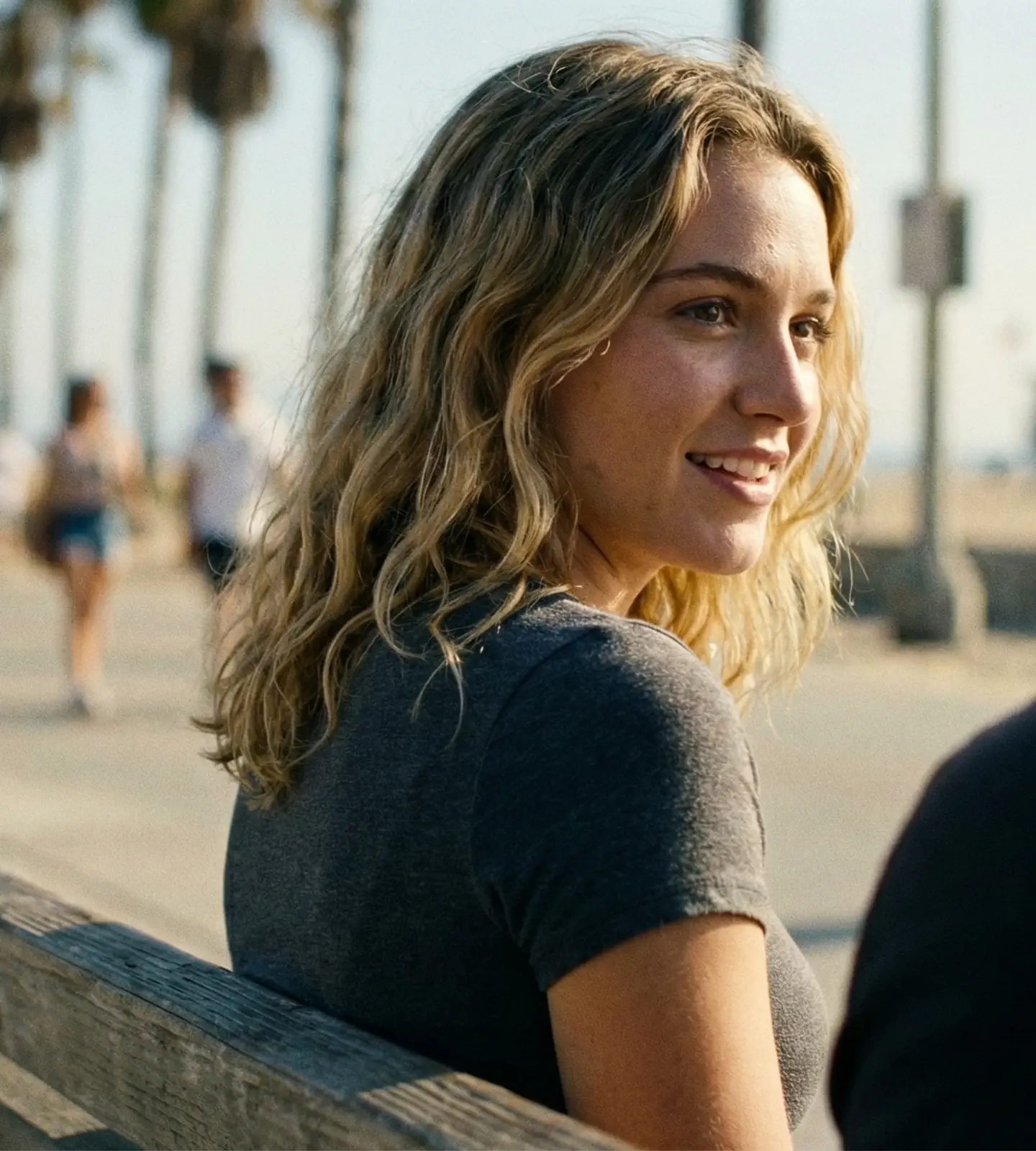
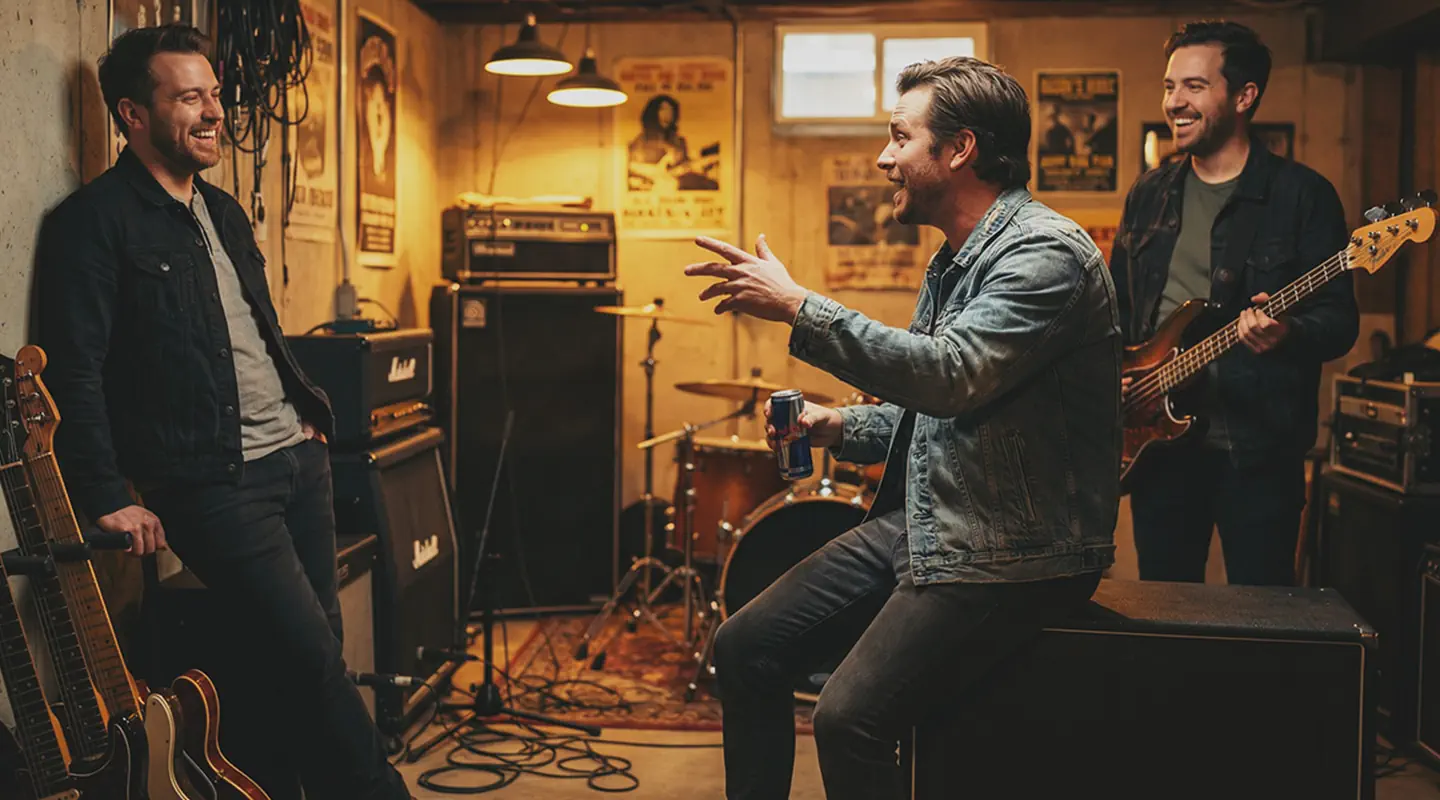
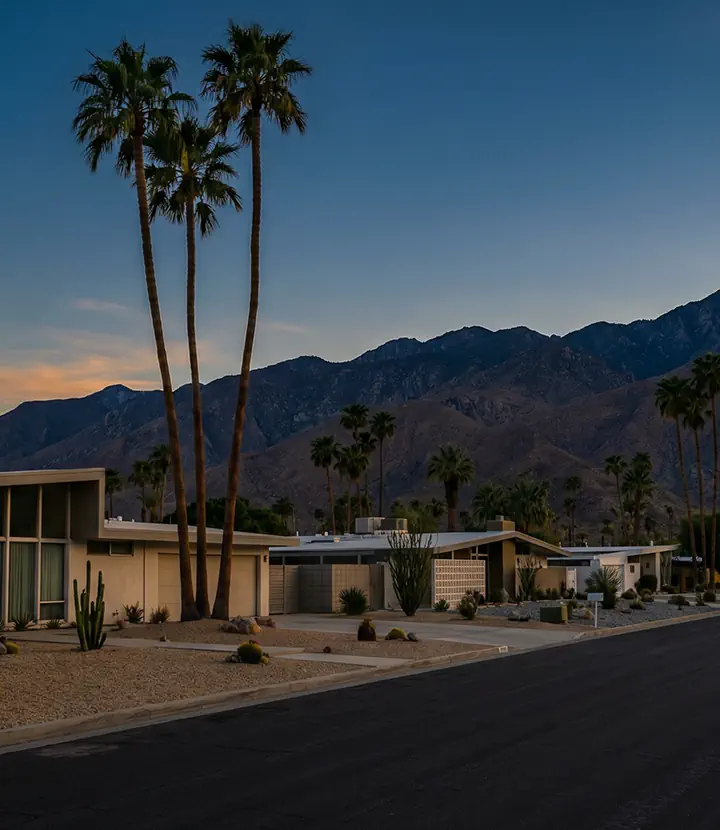



Other AI tools make clips.
PyxelJam Studio makes productions.
Making AI films is the fun part. Managing them is the hard part - and the part most other tools ignore.
PyxelJam Studio was built as a real video production system - budget tracking, live team collaboration, client management, all in one place. Everything between "great idea" and "shipped".
Storytelling-first, not Visuals-first
Most AI video tools help you make things that LOOK good. PyxelJam Studio helps you make things that FEEL good - because it starts with a story. Script analysis, scene development, narrative structure. The visuals serve the story, not the other way around.
Full Range of Creative Control
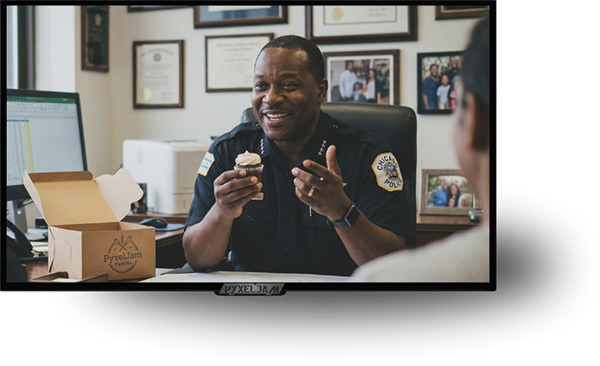
Not every creator works the same way. Some want to direct every pixel. Others want to describe an idea and allow AI to handle some or most of the rest. PyxelJam Studio was made for both - from full agentic automation to per-prompt, per-asset control. Agentic video automation when you want speed, granular control when you want precision.
Introducing the Director Language Protocol - A PyxelJam First
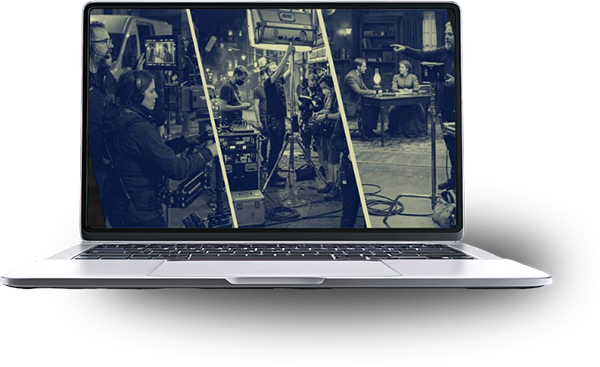
The first platform that speaks fluent director.
You don't think in prompts. You think in shots.
A slow push-in to tighten the tension. A longer lens to flatten the background. A cutaway to buy the edit some room. That's the language every director on every set has used for a hundred years - and every AI video tool ignores it, understands half of it, or makes you learn its own dialect instead.
So we mapped the real vocabulary of directing - framing, lenses, camera movement, blocking, coverage, performance, color, and edit rhythm - and turned it into something no one else has: the Director Language Protocol, an open standard for direction that AI can actually follow.
Here's what that means in practice. On every shot in your storyboard, you set direction the way a director would call it: the framing, the lens feel, the move, the performance note. PyxelJam Studio translates your direction into the exact dialect each AI video model understands - automatically, model by model. Switch models, keep your direction.
And because every instruction is real, we tell you the truth about it: each shot shows you which directions the model you picked will actually honor - before you spend a cent generating.
Direct in film language, not prompt-speak.
Push-in, OTS, shallow focus, restrained performance - pick real directions from a real vocabulary. No more guessing which magic words a model responds to.
One direction, every model.
DLP compiles your shot direction into each video model's native dialect. Your creative intent survives the translation - even when you switch models mid-project.
Know before you generate.
The fidelity check shows which of your directions the selected model supports natively, follows approximately, or can't do yet. No more burning credits to find out.
Direction that spans the cut.
Coverage roles, screen-direction continuity, and pacing profiles work across your whole scene - not one clip at a time. That's the part no prompt guide can give you.
We're not waiting for a standard. We're writing it.
The Director Language Protocol is being developed in the open, grounded in the same industry vocabulary work backed by the major studios - and PyxelJam Studio is the first platform to speak it natively. When the spec publishes, any tool will be able to adopt it. Yours already has.
Who is PyxelJam Studio for?
A solo artist with a vision and a laptop. A production house with five clients and a deadline. PyxelJam Studio serves both - because the platform scales from passion project to professional pipeline without changing tools. Your ambition sets the ceiling.
Independent Filmmakers
Increased production capacity for solo creators to focus on creativity.
Teams and Agencies
Client management, live team collaboration, and budget management.
Full Content Studios
Episode-to-episode consistency, recurring casts, fast turnaround.

Questions? Answers.
Character consistency is one of the main problems PyxelJam Studio was built to solve at the workflow level, not as an afterthought. Rather than hoping the AI guesses who your character is each time, we use a dedicated Character Library where every character is defined once - with a reference sheet, with support for multiple reference images, age, gender, type, and visual description. When a character is assigned to a project, those references get included any time the character is needed for shots in different scenes. This means your "Kevin the security guard in uniform" stays Kevin - consistently scene after scene.
PyxelJam Studio is built on enterprise-grade infrastructure. The platform uses BullMQ + Redis for background job queuing with automatic retries and failure tracking, so if a generation job fails, the AI agents on our back-end will keep retrying, watching and taking action on its own error logs. Also, for those wanting more control, your production happens in verified stages - you approve each phase before the next begins, so any failed generation doesn't silently put your project to a halt.
PyxelJam Studio offers two production modes designed for different experience levels and time budgets. Agentic Mode (Easy Mode) requires only a concept - drop in your idea and the system generates the script, storyboard, images, and video clips automatically. Director Mode walks you through a guided pipeline where you approve each stage, but the AI handles all technical prompting, model selection, and generation logic - with your choice to intervene and control details along the way. Most users can produce their first complete project in Director Mode within a single session.
Everything you create in PyxelJam Studio belongs to you. The platform grants users full ownership of all outputs - images, videos, scripts, and final renders. This means you can use your productions for client deliverables, commercial advertising, monetized YouTube channels, TikTok content, and branded campaigns without restriction from the platform. For commercial client work, the built-in Client Management system lets you organize projects and deliverables by client, keeping your production pipeline professional and organized.
PyxelJam Studio is designed to replace the fragmented multi-tool workflow - not add to it. Most AI video creators are currently juggling separate tools for scripting, prompting, reference images, generation, file management, and editing. PyxelJam Studio consolidates all of that into one dashboard. You can import existing scripts, upload your existing character and location reference images, and start where you are. Your existing assets don't need to be recreated since they fit directly into the Character, Location, and Props libraries.
We support a wide range of video types across multiple formats and aspect ratios - including short films, microdramas, movies, music videos, product commercials, local service ads - the sky and your imagination is really the only limit. Aspect ratio is automatically suggested based on your video type (for example, 9:16 for TikTok content or mobile Microdrama, or 16:9 for widescreen film), but remains adjustable.
Yes. Every format carries its own tempo - a microdrama hooks in about three seconds and cuts every three, while an episode of a show breathes more - and PyxelJam Studio checks your shot list against the one you chose, telling you when the opening drags, when the shots run long or short for the format, or when the ending resolves where it should hook. Episodic projects also get a Season plan: one row per episode holding what happens in it and why the audience watches the next one, written up front and handed to each episode as its starting premise when you make it. The notes are advice, never a block - the cut is always your call.
PyxelJam Studio is built as a model-agnostic platform - meaning the AI provider layer is architected so that new models can be integrated without rebuilding the workflow. When a better image or video model releases, it gets added to the platform and becomes selectable in Settings. Think of PyxelJam Studio as the production studio: the AI models are the equipment inside it, and the equipment gets upgraded regularly while your studio stays the same. We constantly curate a stack of all the latest, best-in-class, production-grade AI models. In the rapidly evolving world of AI video - model versions update frequently, so PyxelJam Studio will always stay up to date. Just to mention a few - we have all the best models from Kling, SeeDream, OpenAI, xAI, Google, LTX, Wan, Flux, and more. You can view and manage configured models from the Settings panel, and the platform is built to add new models as they release - so you won't be locked into outdated generation. You can even set fallback models that can be used if a particular model is not working for what you're trying to achieve.
Your projects, uploaded assets, scripts, and generated content are yours and are not used to train any AI models. In fact, PyxelJam Studio is a private production environment - your ideas, scripts, characters, locations, client projects, and generated videos are not shared with third parties or fed back into model training pipelines. All accounts use JWT authentication with role-based access control (ADMIN, EDITOR, VIEWER, GUEST), meaning only authorized users on your account can access your production data. For those managing client work, data is separated at the project and client level.
Yes, this is another one of PyxelJam Studio's core advantages. It has a full Client Management system where each client has their own profile with company details, project history, contact information, and revenue tracking. Projects are assigned to clients, keeping all production assets, scripts, storyboards, and video outputs organized by client relationship. The Kanban-style project boards lets you track every active project across production stages at a glance - Concept, Pre-Production, Production, Post-Production, and Completed. The role-based access system allows team members to be assigned appropriate access levels.
DLP is an open standard we created that maps the real vocabulary of film directing - framing, lenses, camera movement, blocking, coverage, performance, color, and edit rhythm - into structured direction that AI models can follow. You direct in film language; PyxelJam Studio translates it into each model's native dialect.
No. Every direction is a labeled choice with a plain-English explanation of what it does and why you'd use it - so DLP is also the fastest film-school class you'll ever take. Skip it entirely and PyxelJam still works the way it always has.
Yes - that's the point. Your direction is stored in one standard format. When a new model ships, we add the translation, and your existing shots speak to it immediately.
Request Early Access
PyxelJam Studio is launching in early 2026, and we're looking for people willing to test it out - in exchange for free access to the tool.